
Templates
Templates are complete multi-page designs you open as your own copy. Browse the gallery, preview one, and start editing.
For the complete documentation index, see llms.txt. This page is also available as Markdown.
The gallery at /templates lists the templates you can start from. Each one is a finished site with several pages. Choosing one gives you your own copy to edit, which is the way to control the design, since a prompt cannot choose its template.
- 1Pick a category. The gallery's sidebar filters by topic and category, each with a count.
- 2Open a template. Its page shows a live preview at Desktop, Tablet and Phone, page by page.
- 3Use Template. UOVA copies it into a new project of yours and opens it in the editor.
#What is true for every template
- Templates are included on every plan. The plan table lists all templates for Free and paid plans, and each template page's FAQ tab says "Free to use with any UOVA project".
- Every template is fully editable in the editor, with these exceptions on template pages: the navigation, the footer, the footer's legal line and configuration blocks are pinned. See Sections.
- Site Styles shows only the controls the template actually reads. See Site styles.
- A template site cannot be published while the visible copy still names the template's showcase brand. This check looks for distinctive multi-word brand names, so a single common word is not blocked.
#Templates and generation
A generation picks a template for you from a fixed set. Picking one yourself from the gallery gives you its showcase content as a starting point, which you then replace. See Limits, sign-in and what a generation makes.
#Online store templates
Four templates (vanta, veil, terrace and raku) show an Online store badge and Live checkout on their gallery card, in place of the Editor-ready label. Their template page adds an Online store panel that describes a working cart, variants and Stripe checkout on the published site.
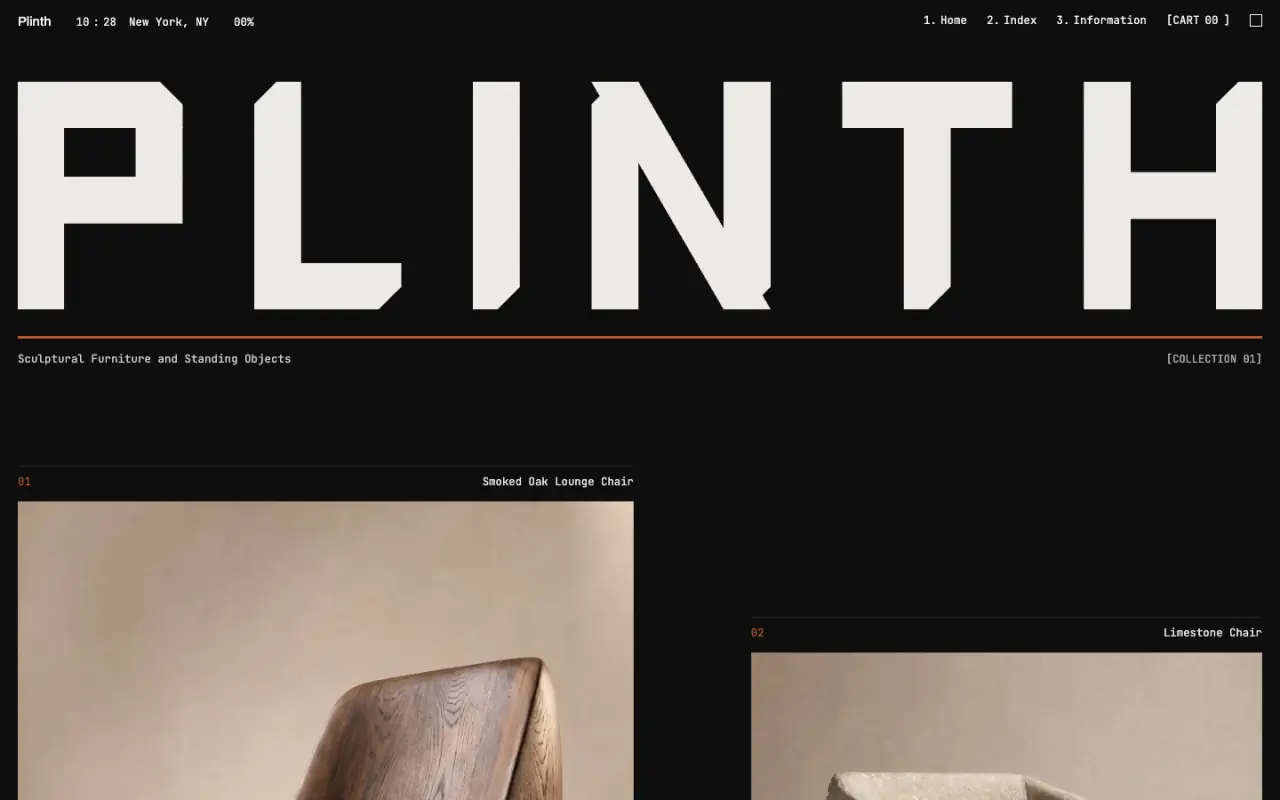
In the editor, the rail items Products, Payments, Discounts, Collections, Customers, Storefront Copy and Social links are added by template: vanta, veil, terrace and plinth.